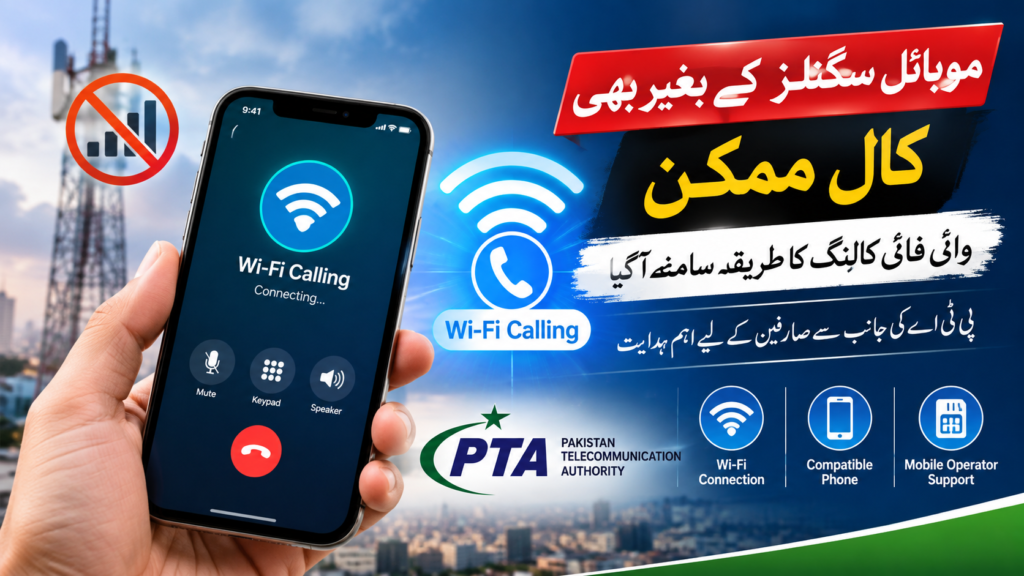

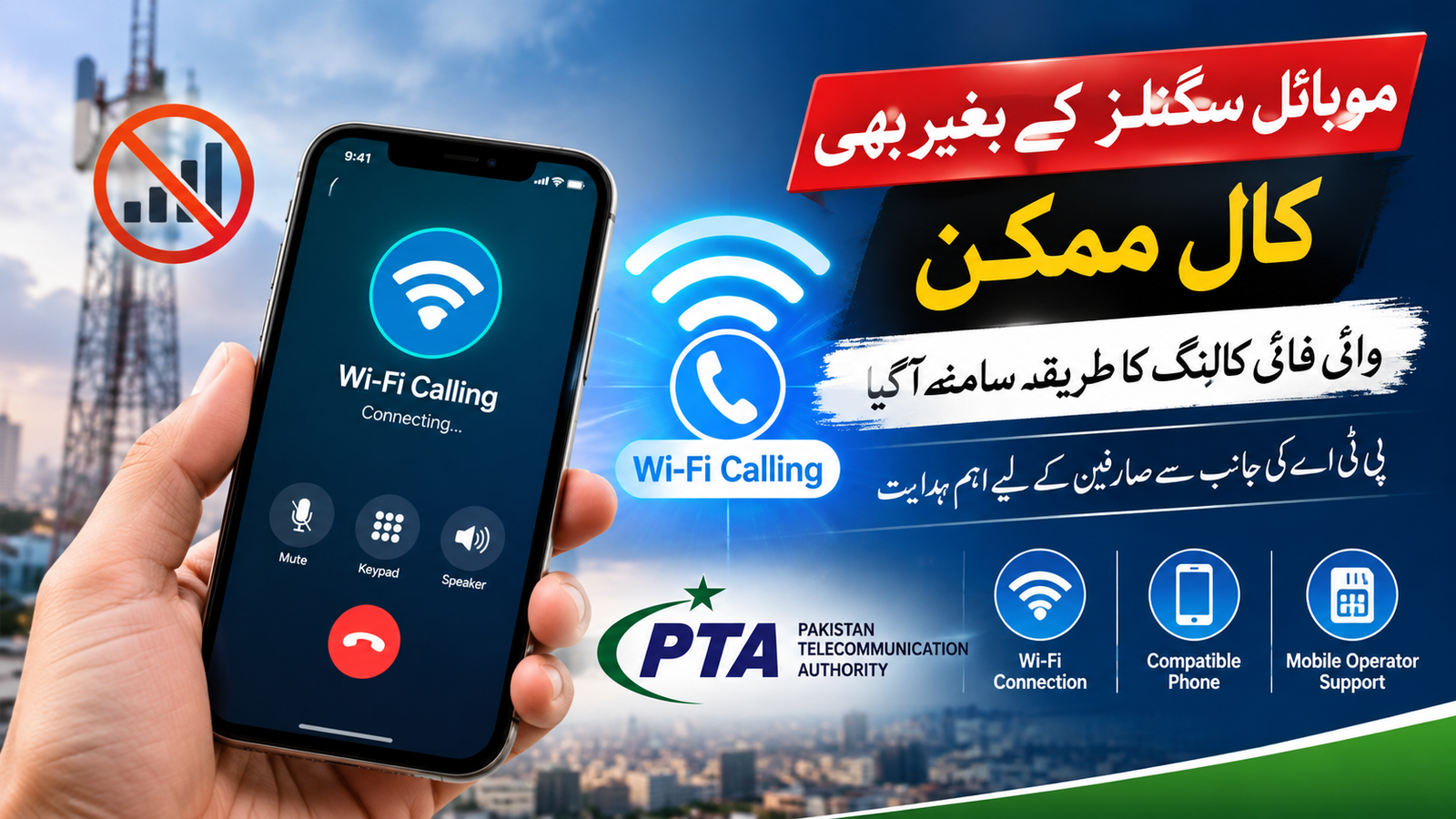

PTA advises users facing weak mobile coverage to check Wi-Fi Calling settings, but the feature depends on handset compatibility and mobile operator support.
ISLAMABAD: Mobile phone users facing weak network signals may have an alternative way to make and receive calls through Wi-Fi Calling, a technology that uses an internet connection instead of relying entirely on conventional mobile signals.
The Pakistan Telecommunication Authority (PTA) recently advised users struggling with poor mobile coverage to check whether Wi-Fi Calling is available on their smartphones. The guidance aims to help people stay connected in locations such as homes, offices, basements and buildings where cellular reception is weak.
Wi-Fi Calling, also known as Voice over Wi-Fi (VoWiFi), is not a newly invented technology. However, the PTA’s latest advice has brought renewed attention to the feature as an alternative for users experiencing connectivity problems.
How Does Wi-Fi Calling Work?
Wi-Fi Calling allows compatible smartphones to route regular voice calls through a Wi-Fi internet connection. Unlike internet-based calling applications, it can use a person’s existing mobile number and the phone’s standard calling interface, provided the mobile operator supports the service.
Once activated, users can make or receive calls in areas where cellular signals are weak or unavailable, as long as they have a working Wi-Fi connection and the necessary network support. The quality of calls depends on the stability and speed of the internet connection.
How to Enable Wi-Fi Calling on Android and iPhone
Android users can generally open Settings, select Network & Internet or Connections, choose their SIM or mobile network settings, and look for the Wi-Fi Calling option. The exact menu names may differ by phone manufacturer and software version.
On supported iPhones, users can open Settings, select Cellular, choose the relevant SIM if necessary, and tap Wi-Fi Calling to enable the feature.
If the option is missing or cannot be activated, users should check with their mobile operator to confirm whether the service is available for their SIM and device. <Cite refs={[“turn287051search2″,”turn287051search3″,”turn287051search7”]}/>
Is Wi-Fi Calling Available on Every Phone in Pakistan?
No. The feature does not work automatically on every smartphone or with every mobile network. Availability depends on the device, software, SIM and the operator’s support for Wi-Fi Calling.
Users should also understand that having a Wi-Fi connection alone does not guarantee that ordinary mobile calls will work through it. If the mobile operator does not support the feature, users may need to rely on internet-based calling apps where permitted and available.
Wi-Fi Calling may help reduce communication difficulties in areas with poor indoor reception, but it does not replace the need for reliable mobile network coverage. Users experiencing persistent signal problems should also report them to their service providers.
What Should Users Do?
The PTA’s advice encourages users to check their phone settings and confirm whether Wi-Fi Calling is supported. Those who have the feature available can activate it and test the service while connected to a reliable Wi-Fi network.
As mobile connectivity remains essential for work, education and everyday communication, Wi-Fi Calling can offer a useful alternative where the necessary technical support is available. However, users should confirm availability with their operators before expecting to make regular mobile calls without cellular signals.
Author